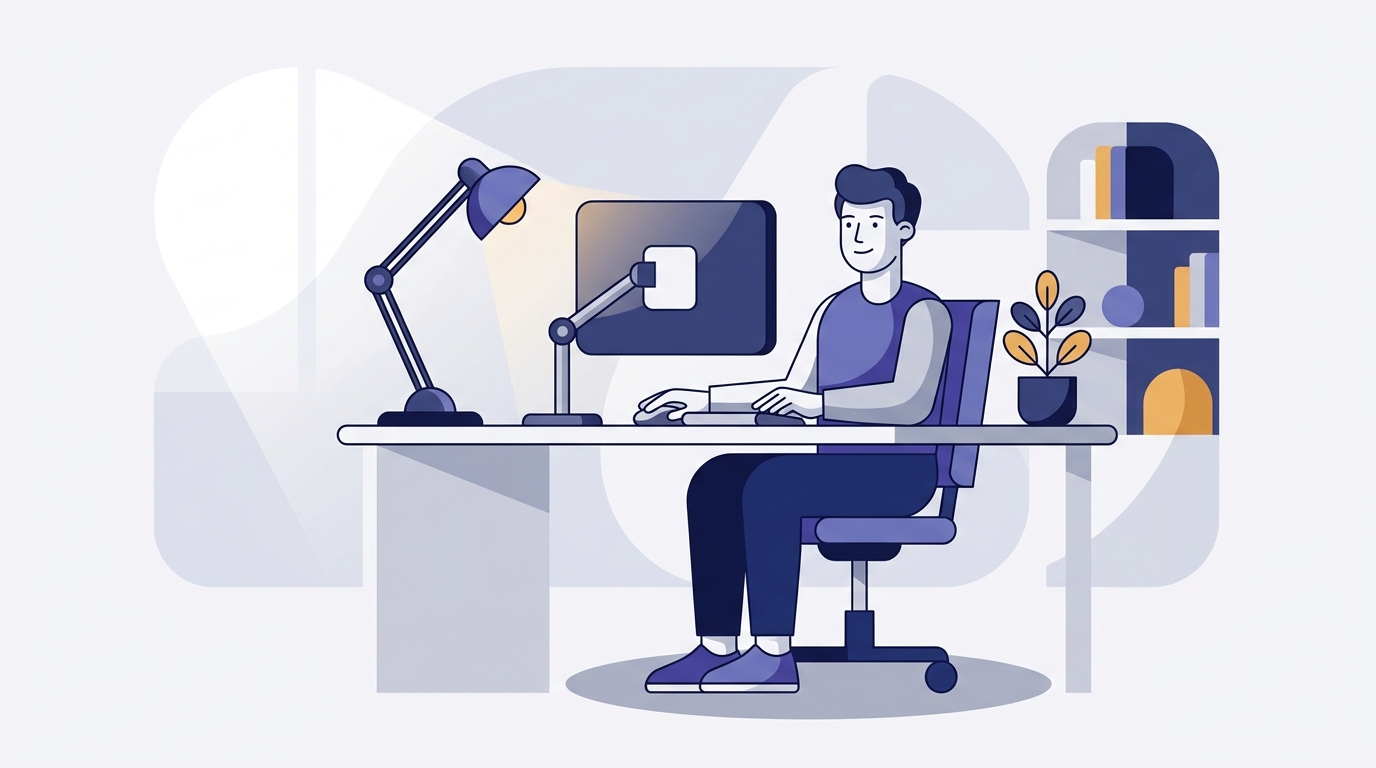
Level 2 Display Screen Equipment (DSE) Awareness

Pivotal University
£29.00
Enrol now — £29.00
FOR TEAMS
Train your whole team
Buy seats, invite your people, and track everyone’s progress from one place.
Instant access · Learn at your own pace
45 lessons
10h 10m total
Lifetime access
A comprehensive Level 2 Display Screen Equipment (DSE) Awareness course for anyone who uses computers, laptops, tablets or similar screens as a significant part of their work — office staff, administrators, customer service teams, designers, developers, and home or hybrid workers. Builds the knowledge to set up a workstation correctly, recognise and prevent DSE-related health problems, carry out a self-assessment, and work safely whether in the office, at home or on the move.
Across in-depth modules you'll learn what DSE is and the legal framework, the health risks of screen work (musculoskeletal disorders, WRULDs/RSI, eye strain and stress), how to set up your chair, monitor and input devices for a healthy neutral posture, how to carry out a DSE workstation self-assessment and report problems, how to work safely with laptops and at hot-desks, how to apply the same principles when working from home or hybrid, how to protect your eyes and manage the visual environment, and how to use breaks and movement to stay healthy and comfortable — brought to life with branded diagrams, real UK workplace scenarios, a knowledge check after every module, and a downloadable Quick Reference to keep.
Finish with a scenario-based final assessment (80% to pass, unlimited attempts, every answer explained) and earn your Certificate of Completion.
Please note: this course builds essential DSE awareness for employees. It does not replace your employer's formal DSE workstation assessment process, occupational health advice, or any medical guidance relevant to an existing condition. Your own workplace's DSE policy and assessment procedure always apply on top.
Across in-depth modules you'll learn what DSE is and the legal framework, the health risks of screen work (musculoskeletal disorders, WRULDs/RSI, eye strain and stress), how to set up your chair, monitor and input devices for a healthy neutral posture, how to carry out a DSE workstation self-assessment and report problems, how to work safely with laptops and at hot-desks, how to apply the same principles when working from home or hybrid, how to protect your eyes and manage the visual environment, and how to use breaks and movement to stay healthy and comfortable — brought to life with branded diagrams, real UK workplace scenarios, a knowledge check after every module, and a downloadable Quick Reference to keep.
Finish with a scenario-based final assessment (80% to pass, unlimited attempts, every answer explained) and earn your Certificate of Completion.
Please note: this course builds essential DSE awareness for employees. It does not replace your employer's formal DSE workstation assessment process, occupational health advice, or any medical guidance relevant to an existing condition. Your own workplace's DSE policy and assessment procedure always apply on top.
Course Curriculum
10 sections · 45 lessons · 10h 10m
Foundations: What DSE Is and the Law
The Health and Safety (DSE) Regulations 1992
18 min
Who Counts as a 'DSE User'?
15 min
Employer and Employee Duties
18 min
Knowledge Check
3 min
Understanding the Health Risks
Musculoskeletal Disorders (MSDs)
18 min
Work-Related Upper Limb Disorders and RSI
18 min
Eye Strain and Visual Fatigue
15 min
Stress, Fatigue and the Hidden Costs
15 min
Scenario: 'Sore Wrists and a Stiff Neck by Mid-Afternoon'
18 min
Knowledge Check
3 min
Setting Up Your Workstation
The Neutral Seated Posture
18 min
Adjusting Your Chair
20 min
Positioning Your Monitor
18 min
Keyboard, Mouse and Input Devices
15 min
Desk, Footrest, Document Holder and Space
15 min
Knowledge Check
3 min
The DSE Workstation Assessment
What a DSE Assessment Is — and Isn't
15 min
Working Through a Self-Assessment Checklist
25 min
Spotting Problems and Reporting Them
15 min
Knowledge Check
3 min
Laptops, Tablets and Hot-Desking
The Laptop Problem
15 min
Fixing the Laptop Setup
15 min
Hot-Desking and Shared Workstations
18 min
Working on the Move
15 min
Knowledge Check
3 min
Working from Home and Hybrid Working
The Home is a Workplace
15 min
Setting Up a Safe Home Workspace
20 min
Scenario: 'Working Hunched Over a Laptop on the Sofa All Day'
15 min
Communicating with Your Employer about Home Working
12 min
Knowledge Check
3 min
Eyes, Eye Tests and the Visual Environment
Understanding Eye Strain
12 min
The 20-20-20 Rule and Visual Breaks
12 min
Eye Tests and Glasses for DSE Use
12 min
Lighting, Glare and the Visual Environment
15 min
Knowledge Check
3 min
Breaks, Movement and Wellbeing
Why Breaks Matter More Than Posture
12 min
Building Movement Into Your Working Day
15 min
Desk Stretches You'll Actually Do
15 min
Reporting Discomfort Early
12 min
Capstone: Your DSE Action Plan
20 min
Knowledge Check
3 min
Resources & Glossary
Quick Reference & Glossary
5 min
Final Assessment & Certification
Final Assessment
25 min
Frequently asked questions
How long is the certificate valid, and should I refresh it?
The certificate does not carry a fixed legal expiry date. Many workplaces ask staff to refresh DSE awareness periodically, so check your own organisation's policy and retake the training when your role, equipment or workstation setup changes.
Who is this course for?
It suits anyone who uses screens such as computers, laptops or tablets for a significant part of their work, including office staff, administrators, customer service teams, designers, developers, and home or hybrid workers.
Is this DSE course accredited or recognised?
It is CPD-aligned and you get a certificate of completion, but it is not an external or regulated qualification. It is awareness-level training and does not replace your employer's formal DSE workstation assessment process or any occupational health advice.
How long does the course take?
There is around 10 hours and 10 minutes of content across 45 lessons. Because it is self-paced, you can work through it in one go or spread it over several sessions, and your progress is saved as you go.
Do I get a certificate?
Yes. When you complete the modules and pass the final assessment (80% to pass, with unlimited attempts and every answer explained), you earn a Certificate of Completion. You can download it and add it to your CV or LinkedIn profile.
Is it self-paced, and are there any prerequisites?
Yes. Every course is fully online and self-paced with lifetime access, so you can start anytime and learn at your own pace on any device. There are no prerequisites unless the course says otherwise.
£29.00
Enrol now — £29.00
FOR TEAMS
Train your whole team
Buy seats, invite your people, and track everyone’s progress from one place.
Instant access · Learn at your own pace
45 lessons
10h 10m total
Lifetime access